
Hebrew and English in one book
Plot Device keeps three things separate: the interface’s language, the book’s language, and the direction of each paragraph.
The book’s language
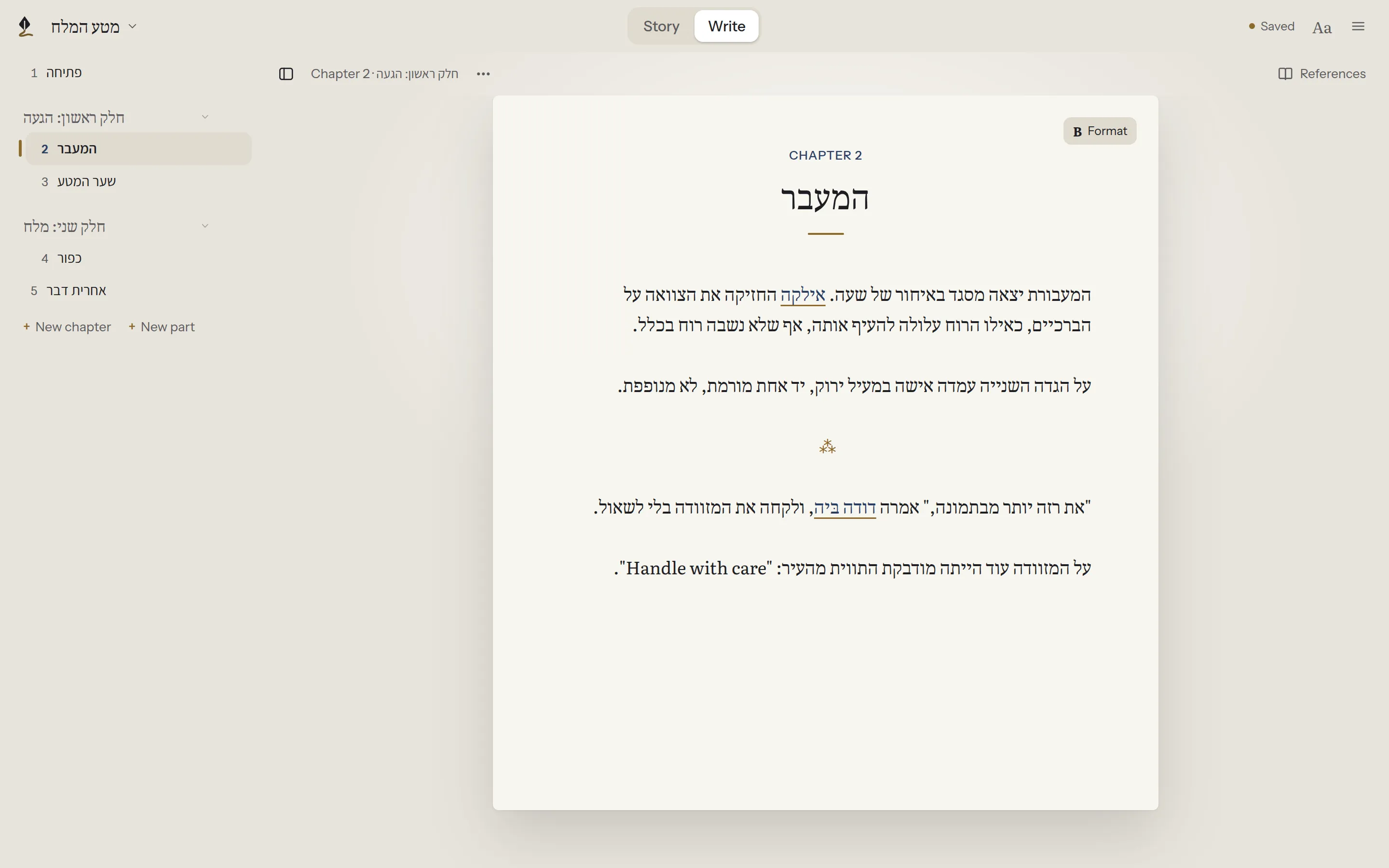
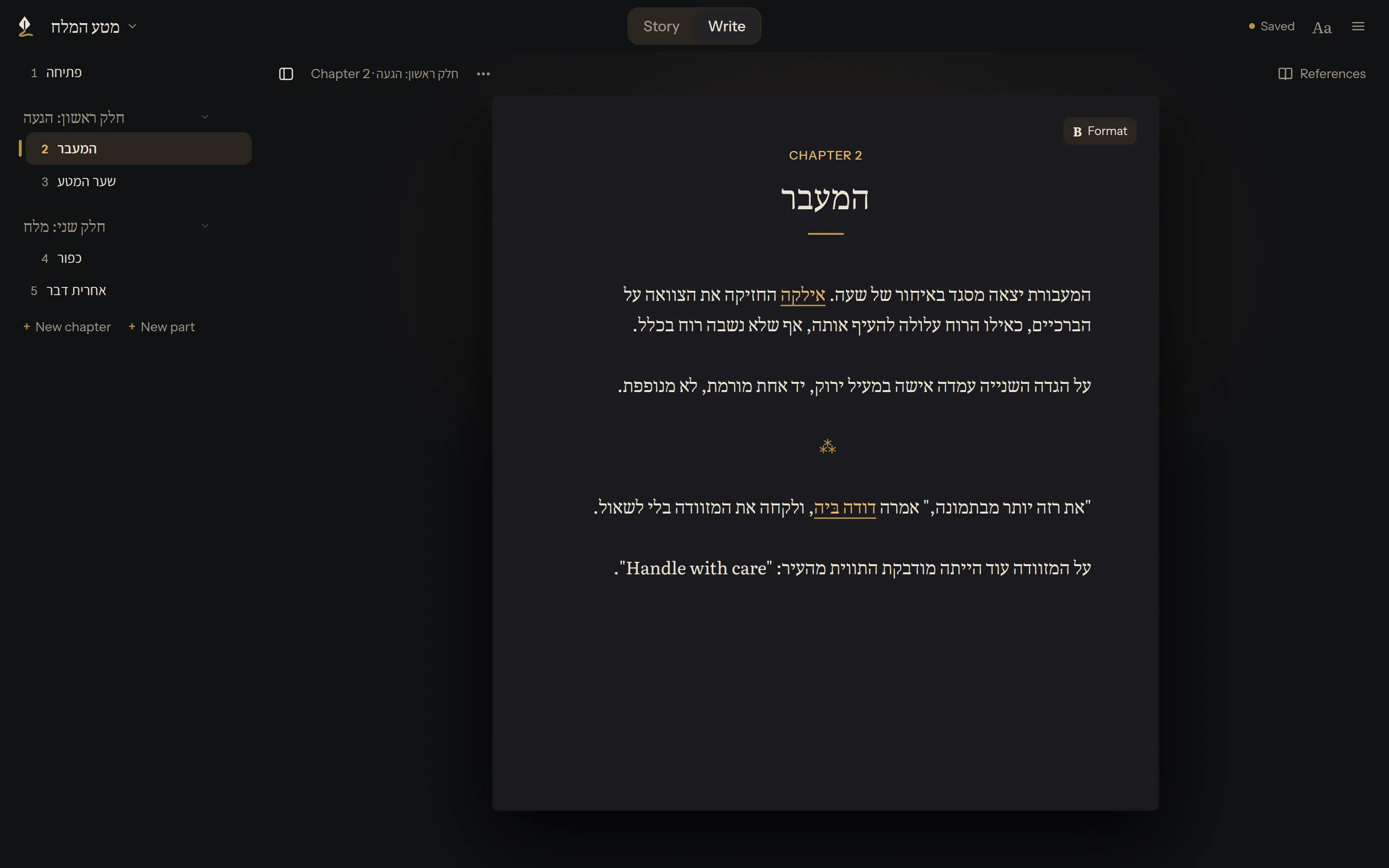
Section titled “The book’s language”You choose it when you start a book. It sets the direction paragraphs run by default: a Hebrew book runs right to left, an English one left to right.
A paragraph or a phrase the other way
Section titled “A paragraph or a phrase the other way”When a paragraph, or a phrase inside one, should run the other way, select it and use Format or the bubble’s ⋯:
- Paragraph left to right and Paragraph right to left set the whole paragraph. Paragraph in the book's direction returns it to the book’s direction.
- Selection left to right and Selection right to left set just the selected words, such as an English name inside a Hebrew sentence, so its punctuation lands in the right place. Selection in the paragraph's direction removes the setting.
Plot Device saves a direction only where it’s needed, in a way other apps keep, so nothing is lost when the book is opened elsewhere. For how it’s written, see Chapters and the contents in the technical docs.
The interface’s language
Section titled “The interface’s language”☰ → Settings… → Language changes the language of menus and buttons. It doesn’t change your book. Write a Hebrew book in an English interface, or the other way round.