

Kinds of pages
Every book starts with three kinds of pages: characters, places and notes. A book may need another, such as factions in a fantasy novel or ships in a space opera. Add it, and it gets its own place under World, beside the others.
Add a kind
Section titled “Add a kind”Choose the book’s name at the top, then Kinds of pages…. Under World, + Kind of page opens the same window.
Choose Add a kind, and write what one page is called and what several are called: “Faction” and “Factions”. Then Save.
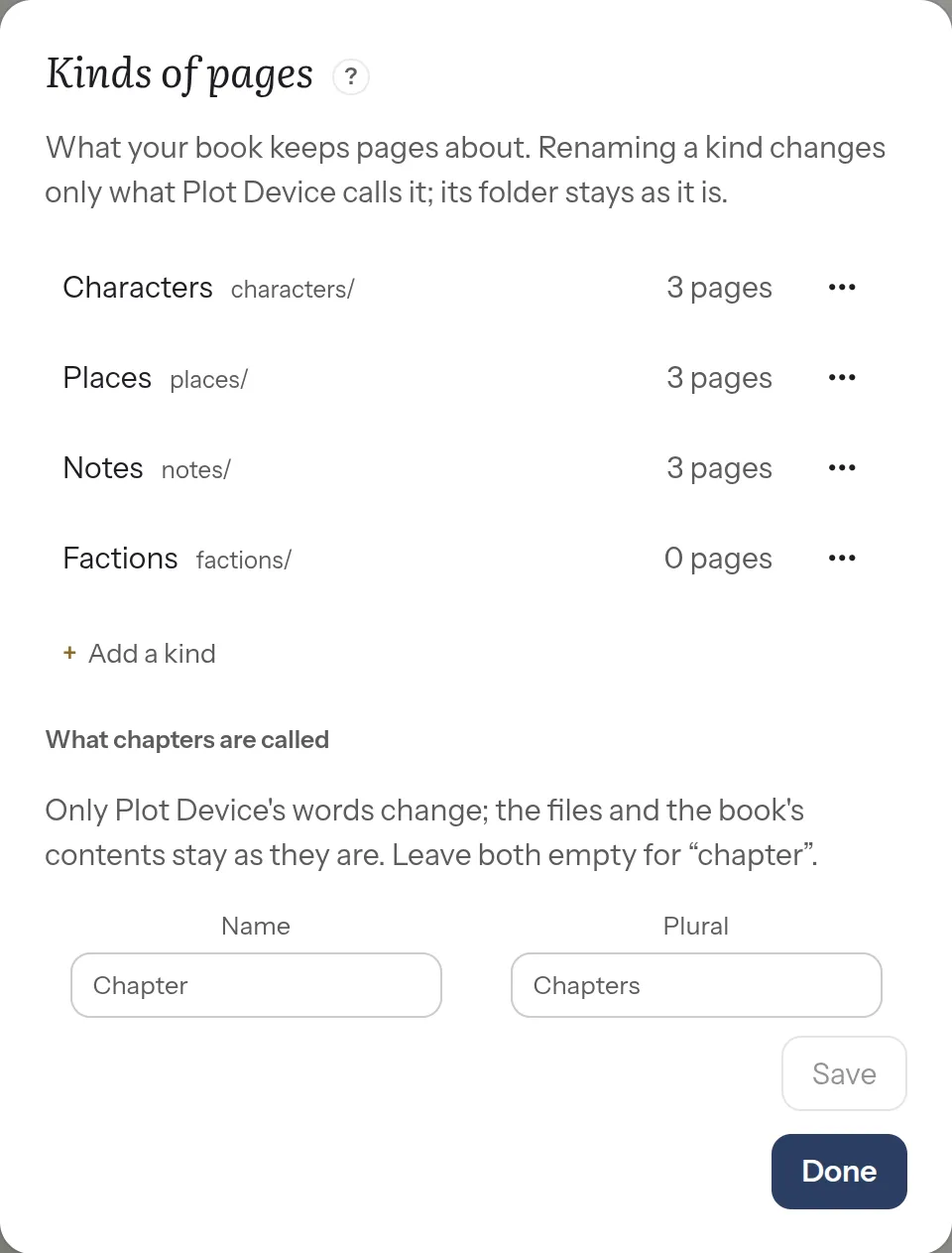
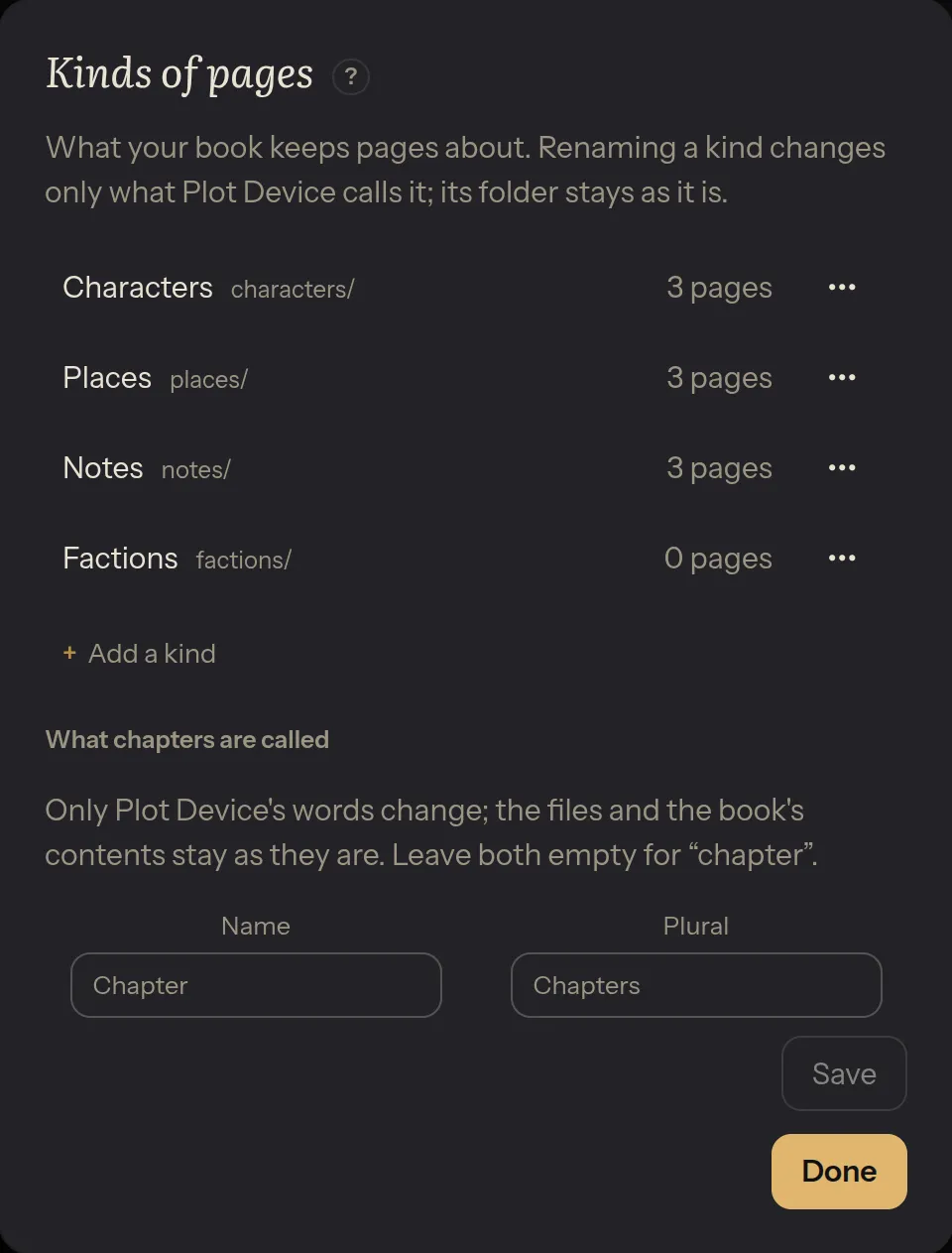
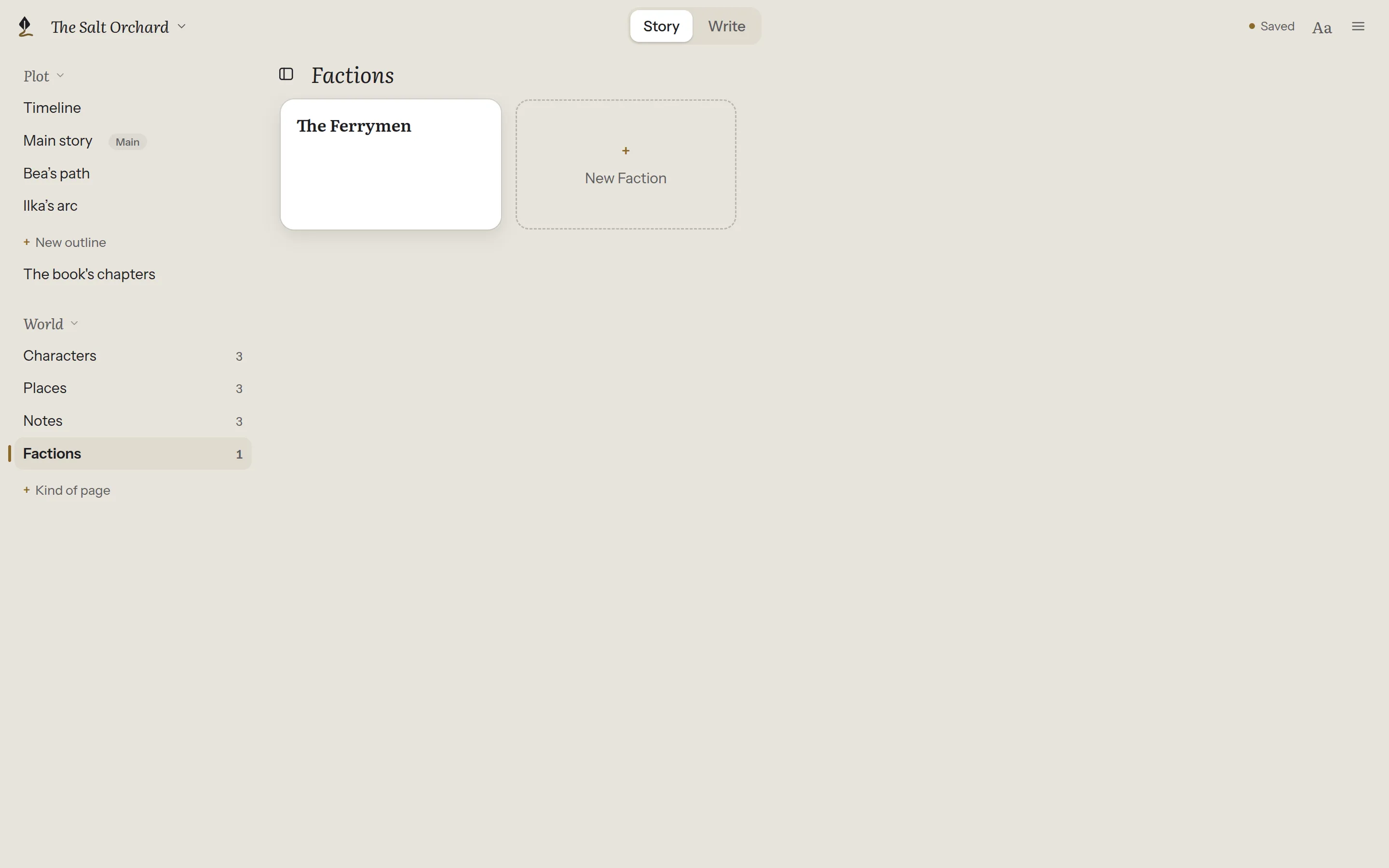
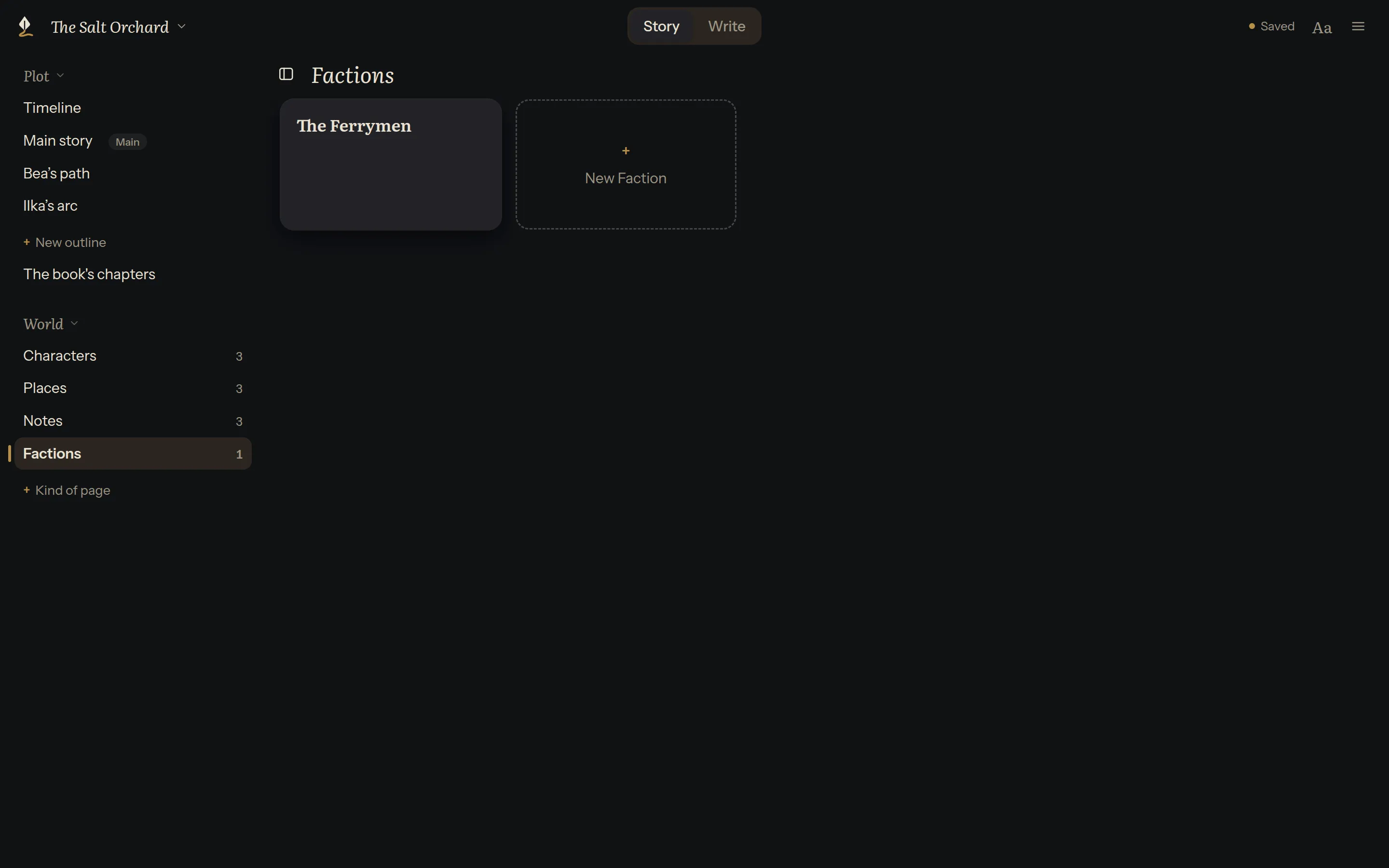
The new kind shows under World. Its pages work like any other: cards, tags, relationships, links, and the references shelf while you write.
Rename, reorder or remove
Section titled “Rename, reorder or remove”Each kind’s ⋯ has Rename, Move up, Move down and Remove….
- Renaming changes only what Plot Device calls the kind. Its folder keeps its name (see Matching folder names).
- The order is the order under World and on the references shelf.
- Removing a kind deletes nothing. Its pages stay in the book, under Not sorted yet.
Not sorted yet
Section titled “Not sorted yet”A folder of pages that isn’t one of the book’s kinds shows under Not sorted yet. That happens after removing a kind, or with a folder made in another app. Its pages open, link and show on the shelf as usual. To give it a name, choose Make this a kind.
Matching folder names
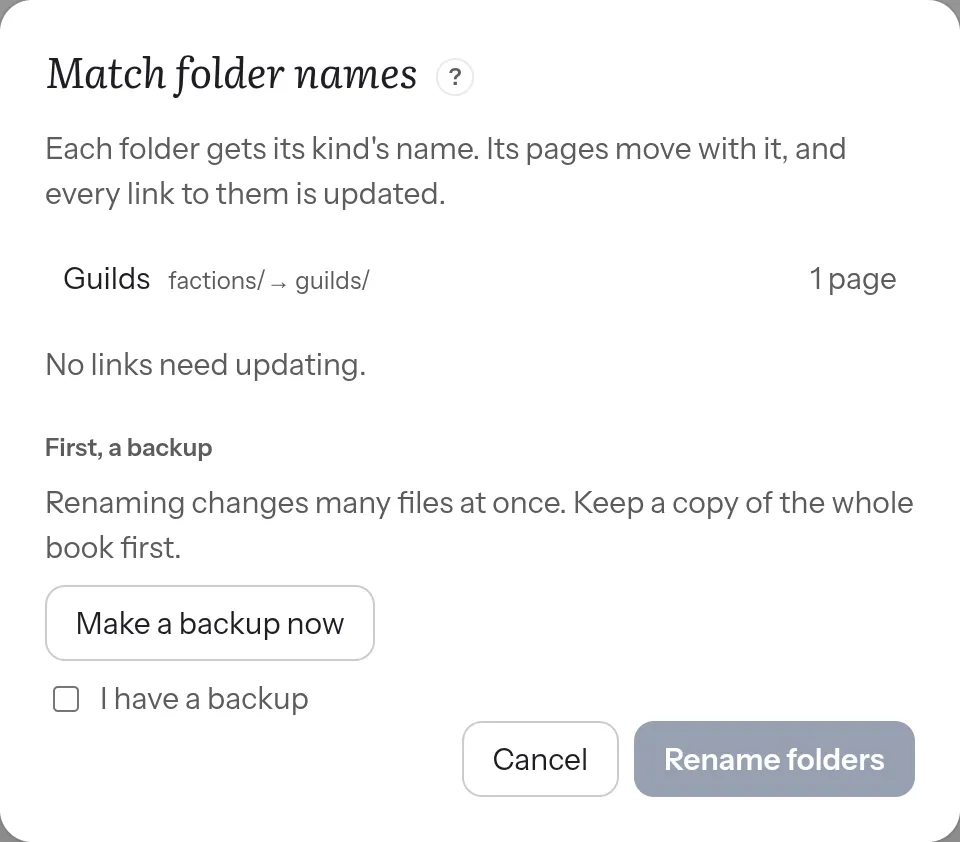
Section titled “Matching folder names”After a kind is renamed, its folder keeps the old name. That’s fine: nothing needs it to change. If you’d like the folder to match, Kinds of pages… offers Match folder names….
- It shows each folder, its new name, how many pages it holds, and how many links will be updated.
- Make a backup first. Make a backup now copies the whole book to a place you choose. If you already keep one, tick I have a backup.
- Rename folders renames the folders and updates every link to their pages, in chapters, outlines and other pages.
Changed your mind? Undo folder renames, in the book’s menu, puts every name and link back, until the book is closed.
What chapters are called
Section titled “What chapters are called”A campaign has sessions; a serial has episodes. Under What chapters are called, write the word for one and for several: “Session” and “Sessions”. The chapters list and its buttons then use it. The files and the contents stay as they are.
For how the kinds are kept in the book’s files, see The book’s folder in the technical docs.