Characters, places and notes
Story has two halves. Plot is the story’s events: its outlines. World is who and where: Characters, Places and Notes, and any kind of page your book adds, such as factions or ships. Each page is an ordinary text file, in its kind’s folder.
A book made from a template may start with other kinds: a D&D campaign has NPCs, locations, factions, items and lore. Everything on this page works the same for every kind. To add, rename or remove kinds, see Kinds of pages.
See them all
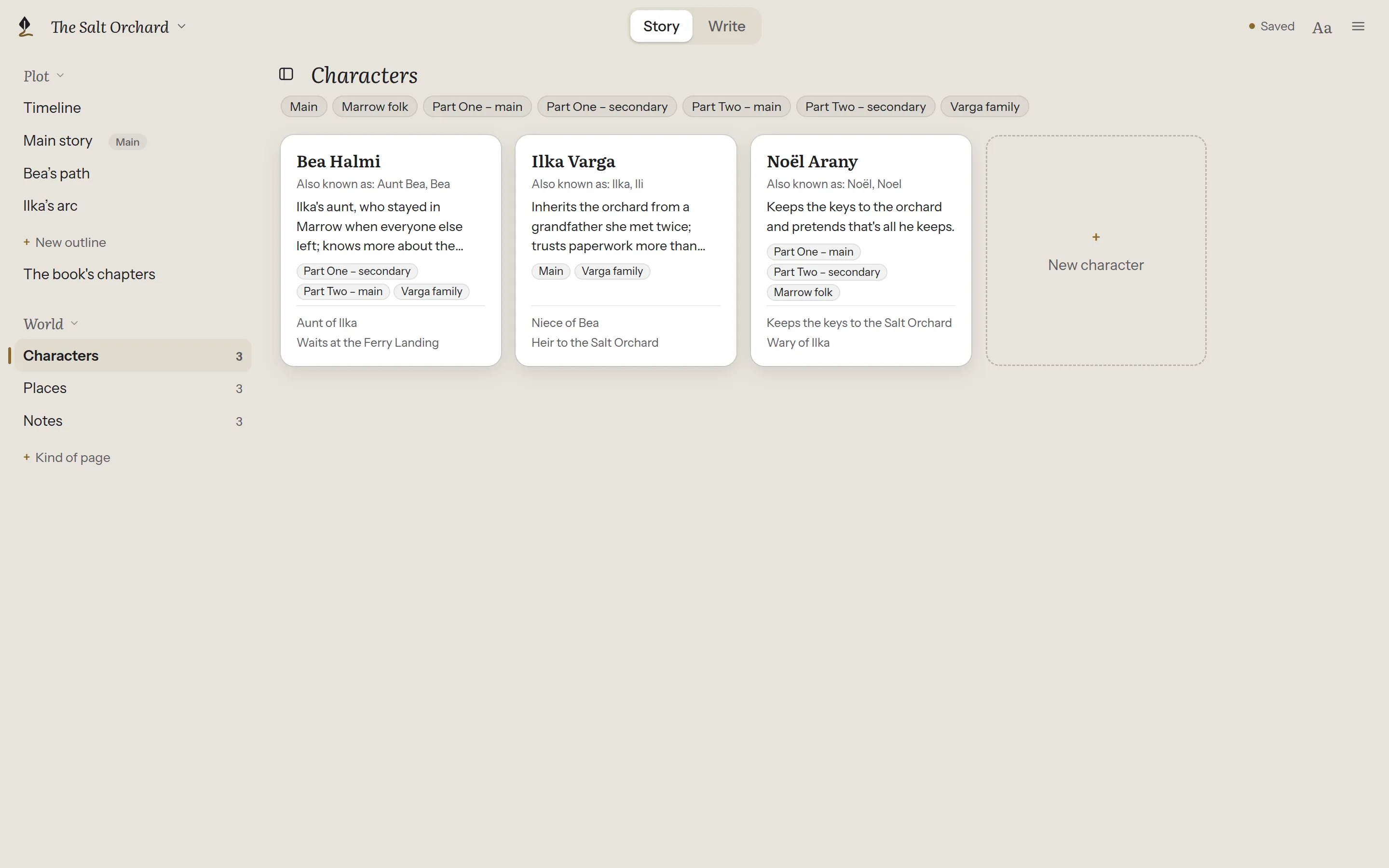
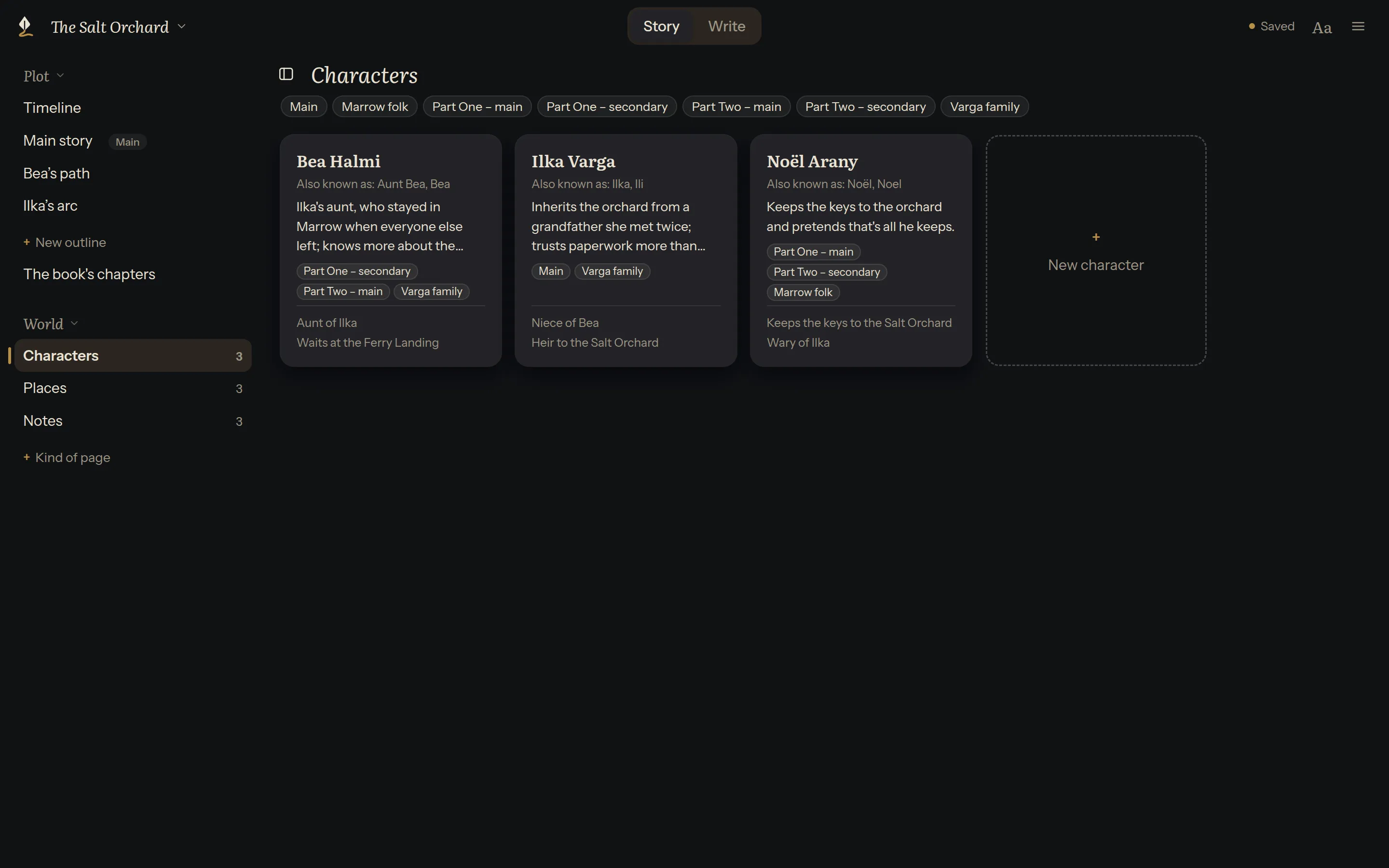
Section titled “See them all”Under World, choose a kind, such as Characters. Its pages open as cards, A to Z: each with its name, other names, description, tags and first relationships. The number beside each kind is how many pages it has.
Add a page
Section titled “Add a page”The last card, such as + New character, adds one. Give it a name.
Write it
Section titled “Write it”Click a card to open the page. The first paragraph is the description; everything after it is details.
The description is what the references shelf shows first; the details open under it. Use headings and lists in the details as you like. ‹ above the name goes back to the cards.
Relationships
Section titled “Relationships”Beside the page, Relationships lists how it connects to other pages: “Aunt of Ilka”, “Waits at the Ferry Landing”.
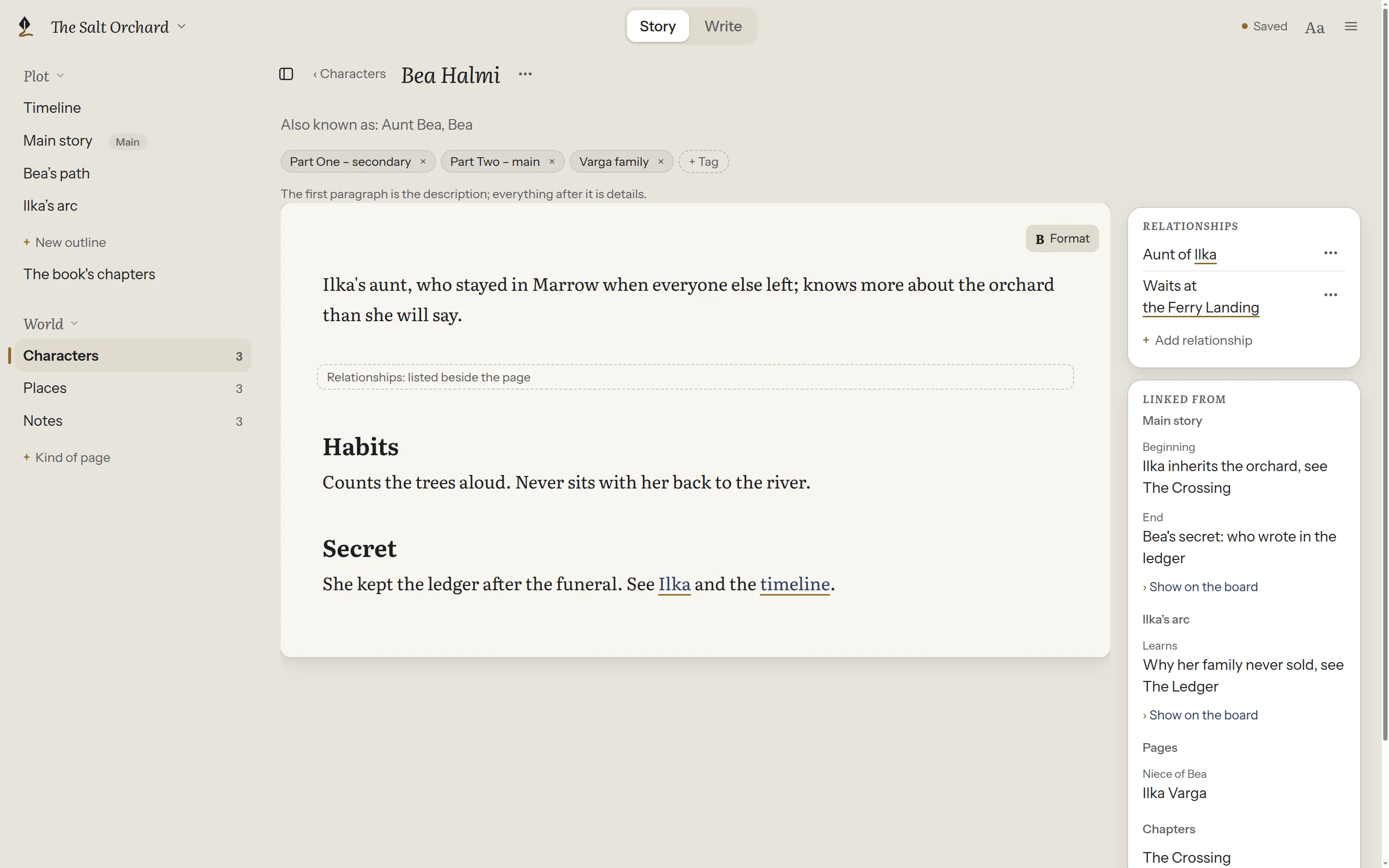
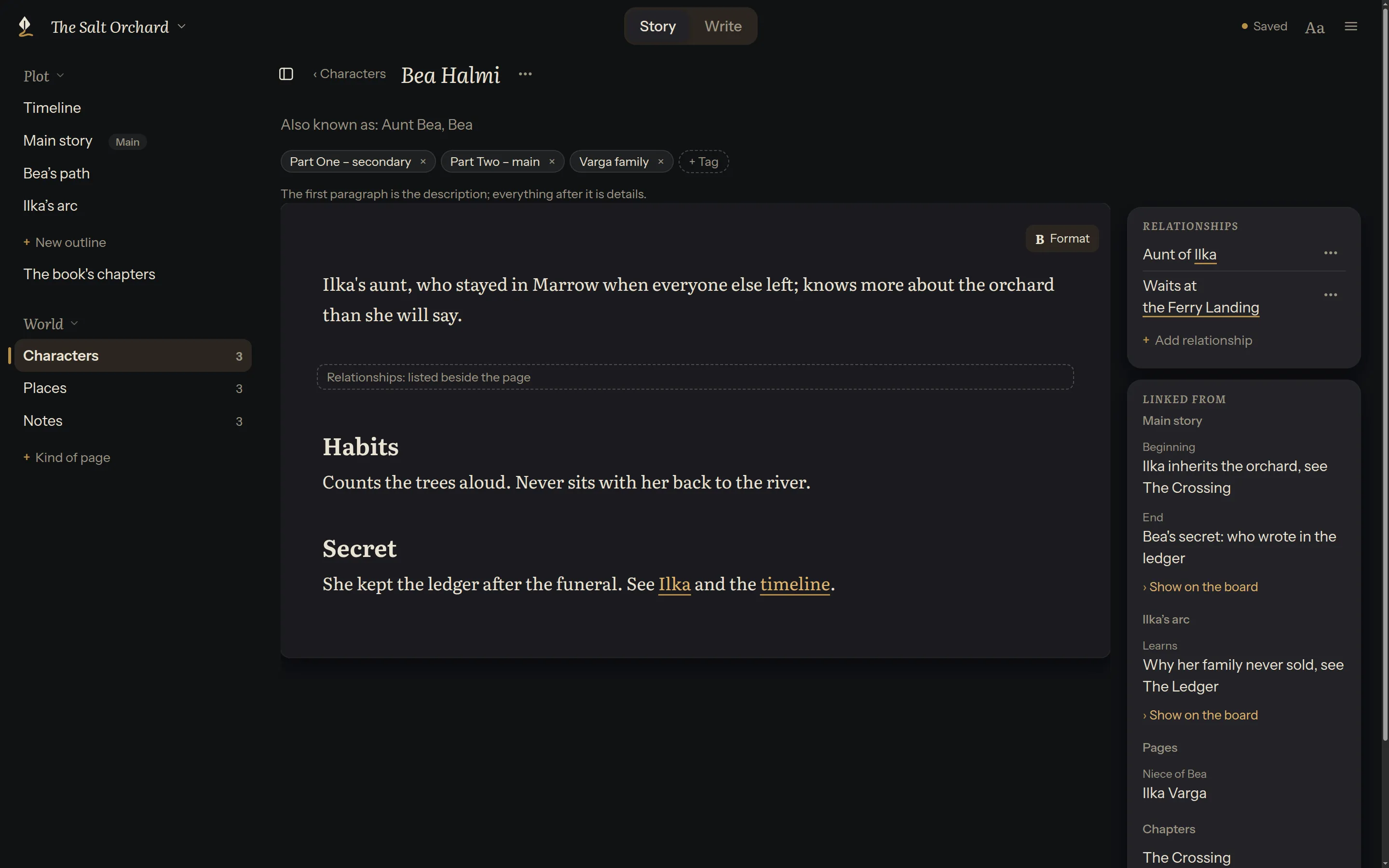
- + Add relationship: pick a page, then say how they’re related, such as “Sister of”.
- A relationship’s ⋯ changes its words or removes it.
A relationship goes one way: Bea is Ilka’s aunt. Ilka’s page shows it under Linked from, and her file isn’t changed. In the page’s text, the relationships are one quiet line, so they aren’t shown twice; click it to see them as written. For how they’re written, see Character, place and note pages in the technical docs.
Give pages tags of your own, such as “Part Two – main” or “Varga family”, to group them and find them first. See Tags.
What links here
Section titled “What links here”Linked from lists every card, page and chapter with a link to this page. Click one to open it. Only links you made count: Plot Device never guesses them from names.
See a character on the board
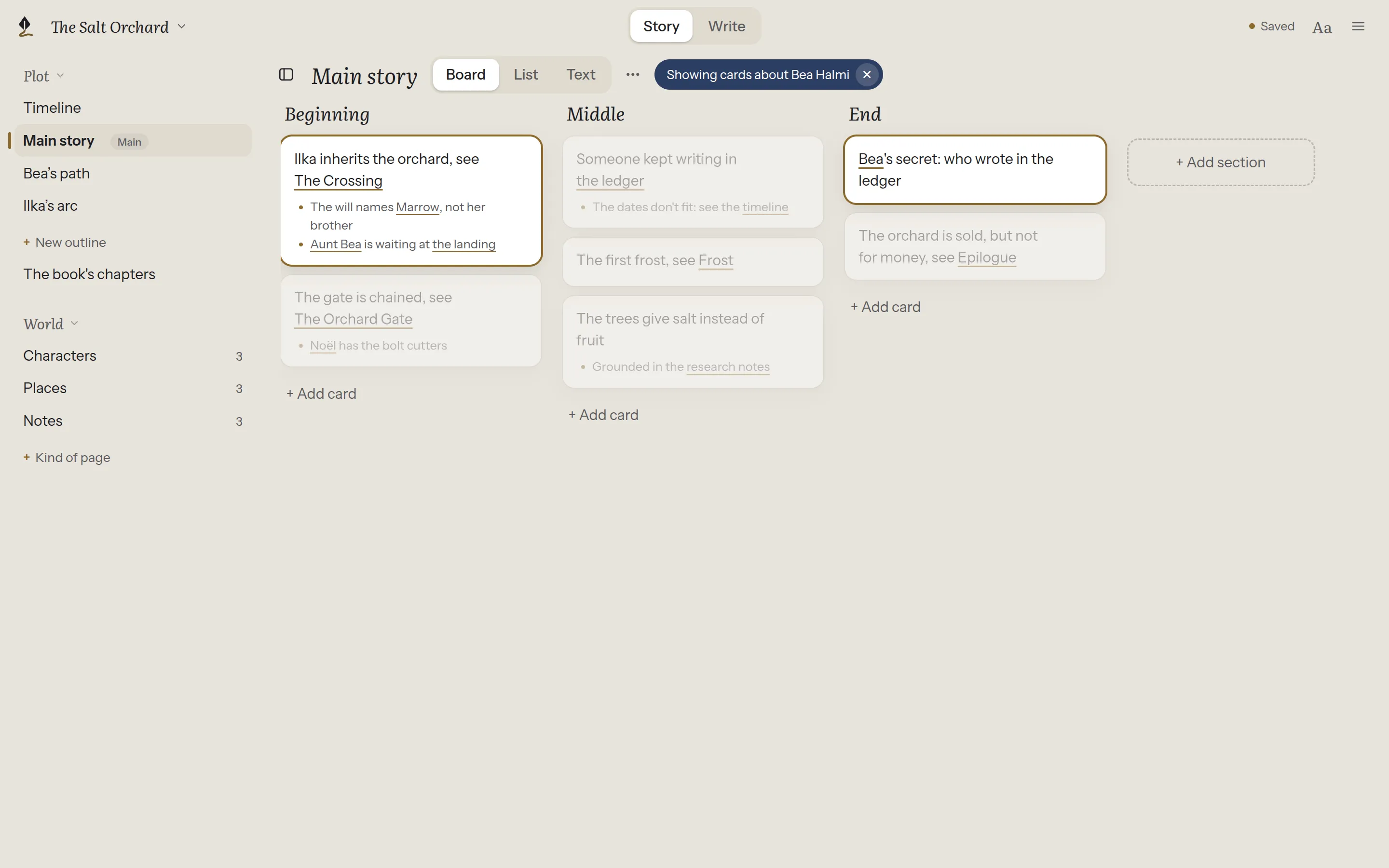
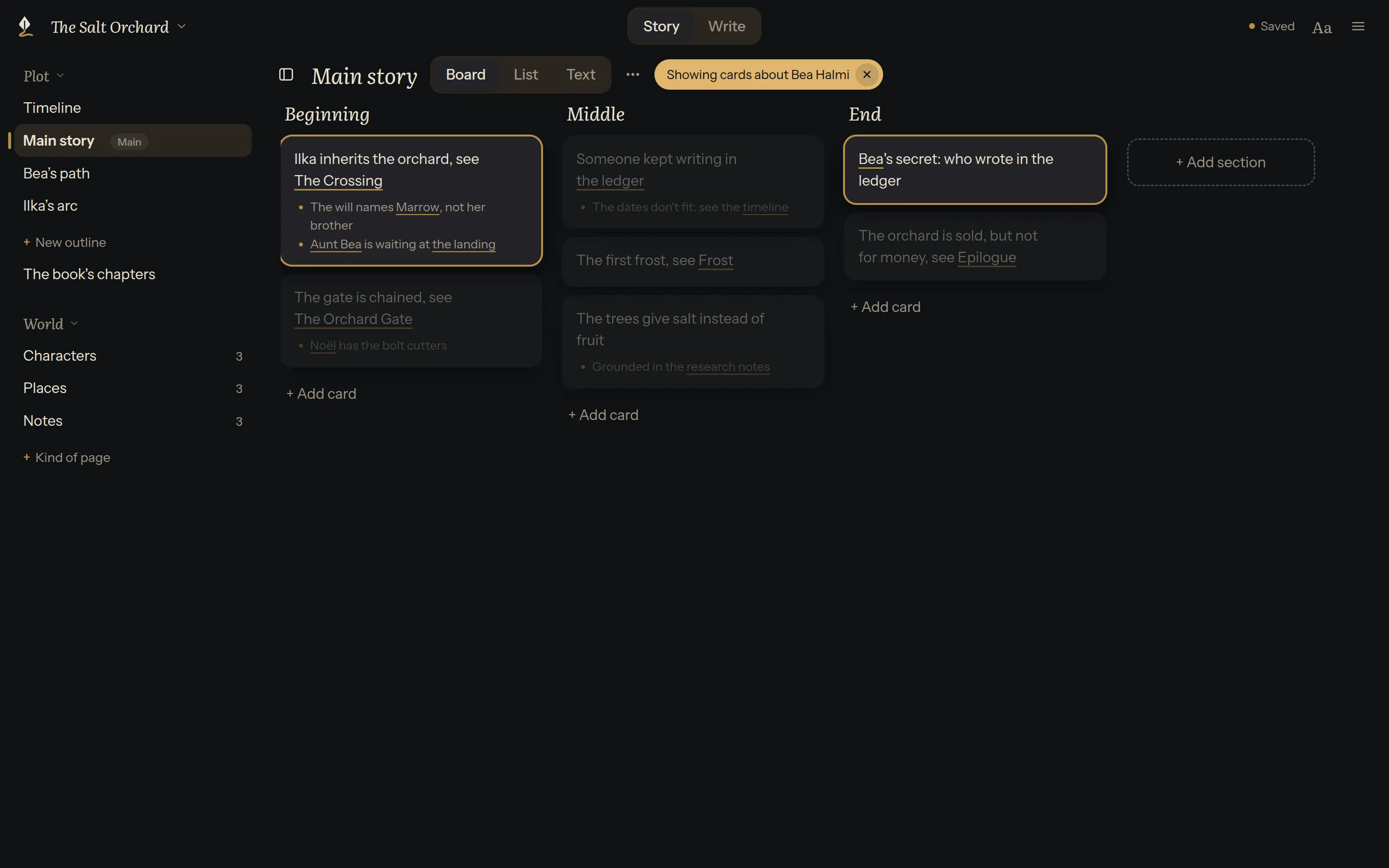
Section titled “See a character on the board”Under an outline in Linked from, Show on the board opens it as a board with this page’s cards outlined in gold and the rest faded. ✕, or Esc, shows every card again.
Start an arc
Section titled “Start an arc”+ Start an arc outline makes a new outline for this character’s story (or this place’s, or this idea’s), under Plot. It starts with a link back to the page, so it shows under Linked from too. On the timeline, it’s a storyline of its own, to line up with the main story.
Rename
Section titled “Rename”The page’s ⋯ has Rename… for its name, Rename file… for its file’s name, and Versions….
Other names
Section titled “Other names”A character called “Bea Halmi” may be “Aunt Bea” in the text. Other names can be added to the page in plain text, and searching for any of them then finds the page. For how, see Character, place and note pages in the technical docs.