
Chapters and parts
A book is a list of chapters, in reading order. Chapters can be grouped into parts, such as “Part One: Arrival”. Parts are optional.
Add a chapter or a part
Section titled “Add a chapter or a part”- + New chapter adds a chapter right after the one you’re writing, and opens it.
- + New part adds a part at the end of the book. Drag chapters into it.
Chapter numbers are worked out by Plot Device from the reading order. They are never written into your files, so moving a chapter never renumbers anything by hand.
A chapter’s menu
Section titled “A chapter’s menu”Point at a chapter and choose ⋯:
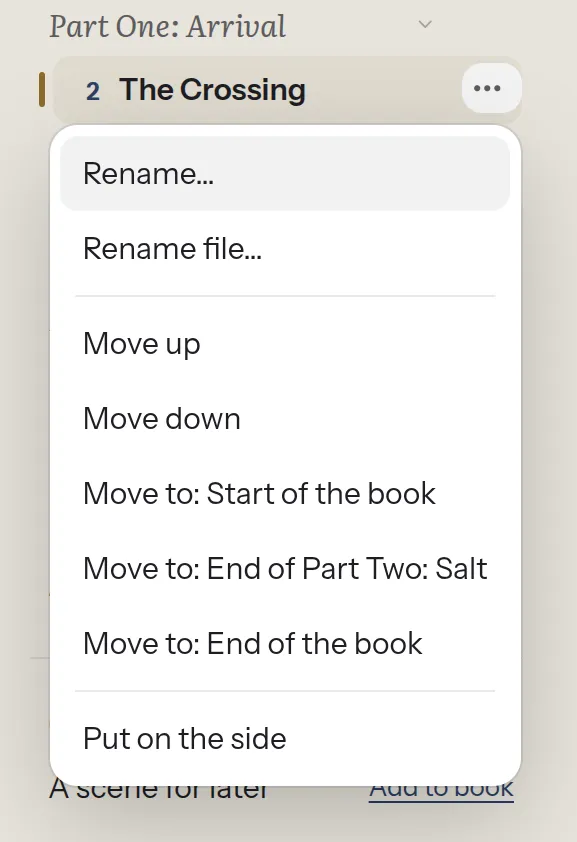
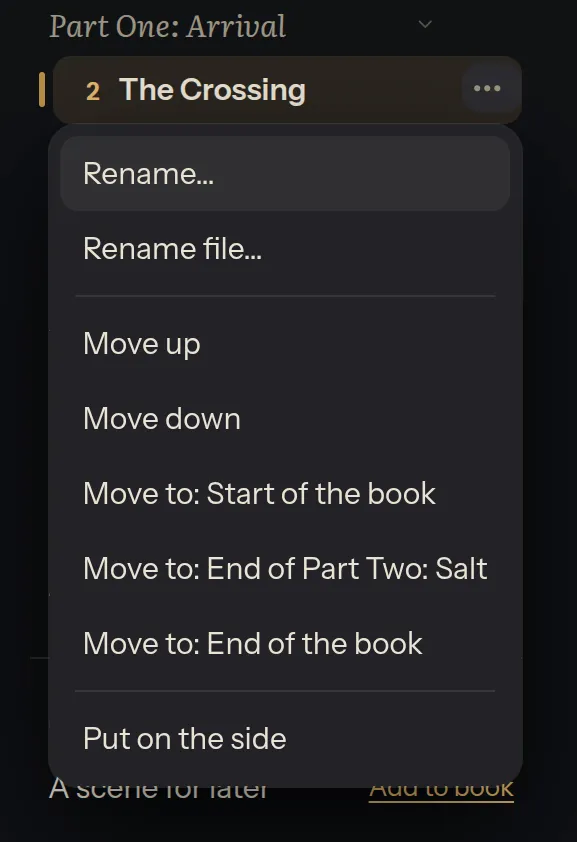
- Rename… changes the chapter’s title.
- Rename file… changes the name of its file. Renaming the title never renames the file by itself.
- Move up, Move down and Move to move it. See Moving chapters.
- Put on the side takes it out of the reading order without deleting anything. It waits under On the side until you add it back.
A part’s ⋯ renames the part.
Missing chapters
Section titled “Missing chapters”If a chapter’s file was moved or deleted outside Plot Device, it appears under Missing. When Plot Device finds a likely match, it offers to use it. It never deletes or relinks anything by itself.